This article is an add-on to our provisioning configuration guide, supplementing the process described there with specific details and additional information unique to configuring provisioning for the GitHub Enterprise Cloud app connector in OneLogin's app catalog.
Prerequisites
- GitHub Enterprise
- OneLogin's Advanced Directory add-on
Configuration
Application Details
|
Organization |
Your GitHub organization |
|---|---|
|
SCIM Base URL |
|
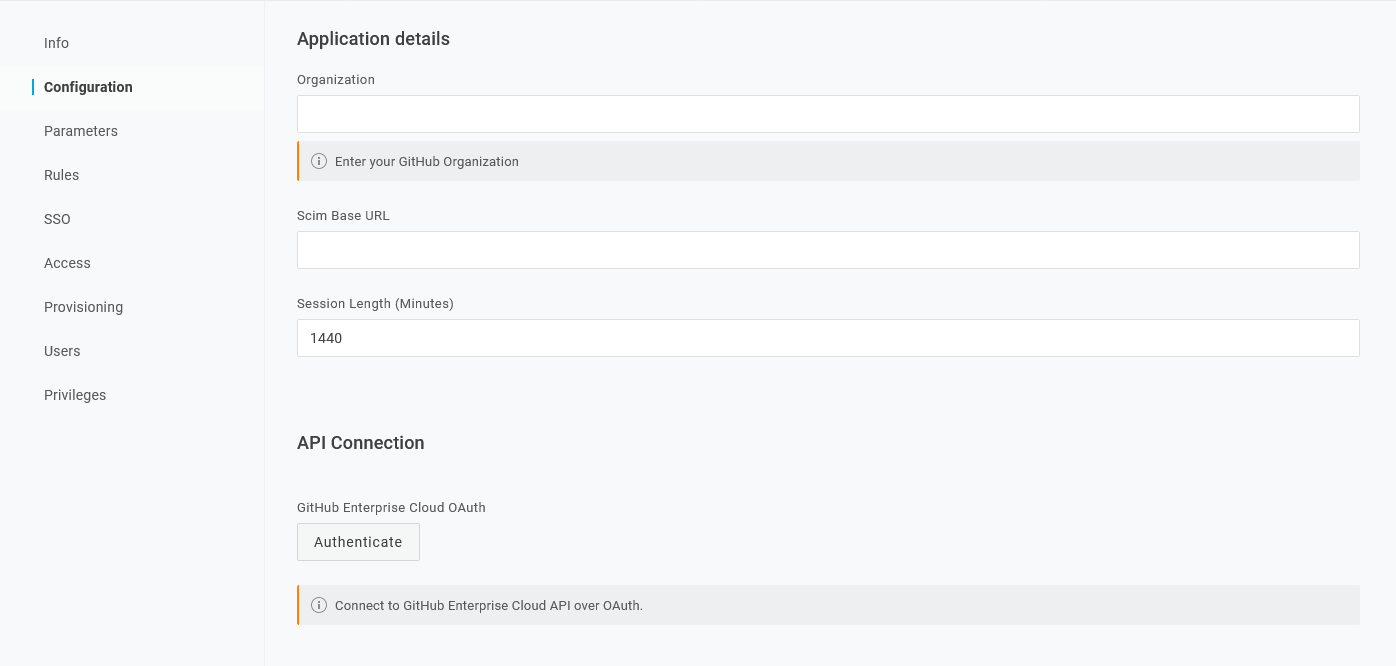
API Connection
Click Authenticate and follow the prompts to authenticate to GitHub.com using an admin user name and password. If the connection is successful, the API Status icon switches to 
If your Github organization restricts third-party app access, the Github organization owner will need to approve OAuth access to the OneLogin OAuth SCIM provisioning app.
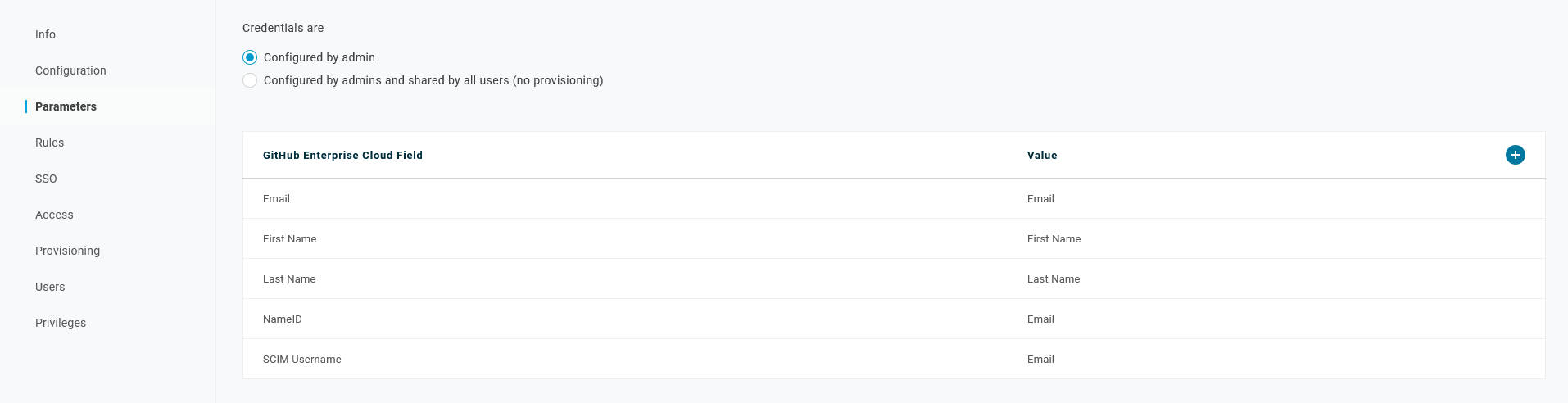
Parameters
|
NameID |
Defaults to Email. |
|---|---|
|
SCIM Username |
Defaults to Email. Must be the same value as used for NameID. |