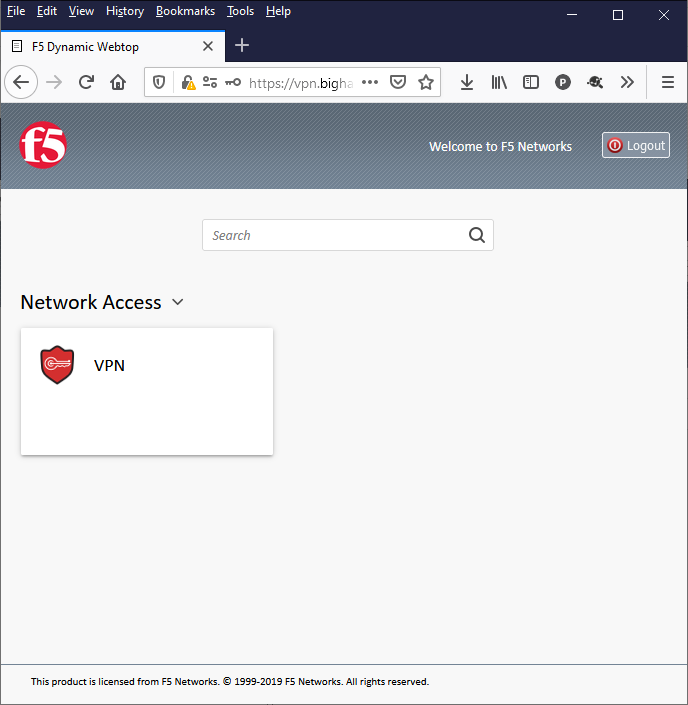
This topic describes how to configure LDAP for F5 BIG-IP Edge Client and SSL VPN.
This feature requires a OneLogin subscription that includes Advanced Directory. Speak with your account representative for more information.
If you wish to use sAMAccountName or username as your User Identifier (cn) value instead of email, please contact OneLogin support before proceeding and then set up your Pulse Connect Secure configuration accordingly.
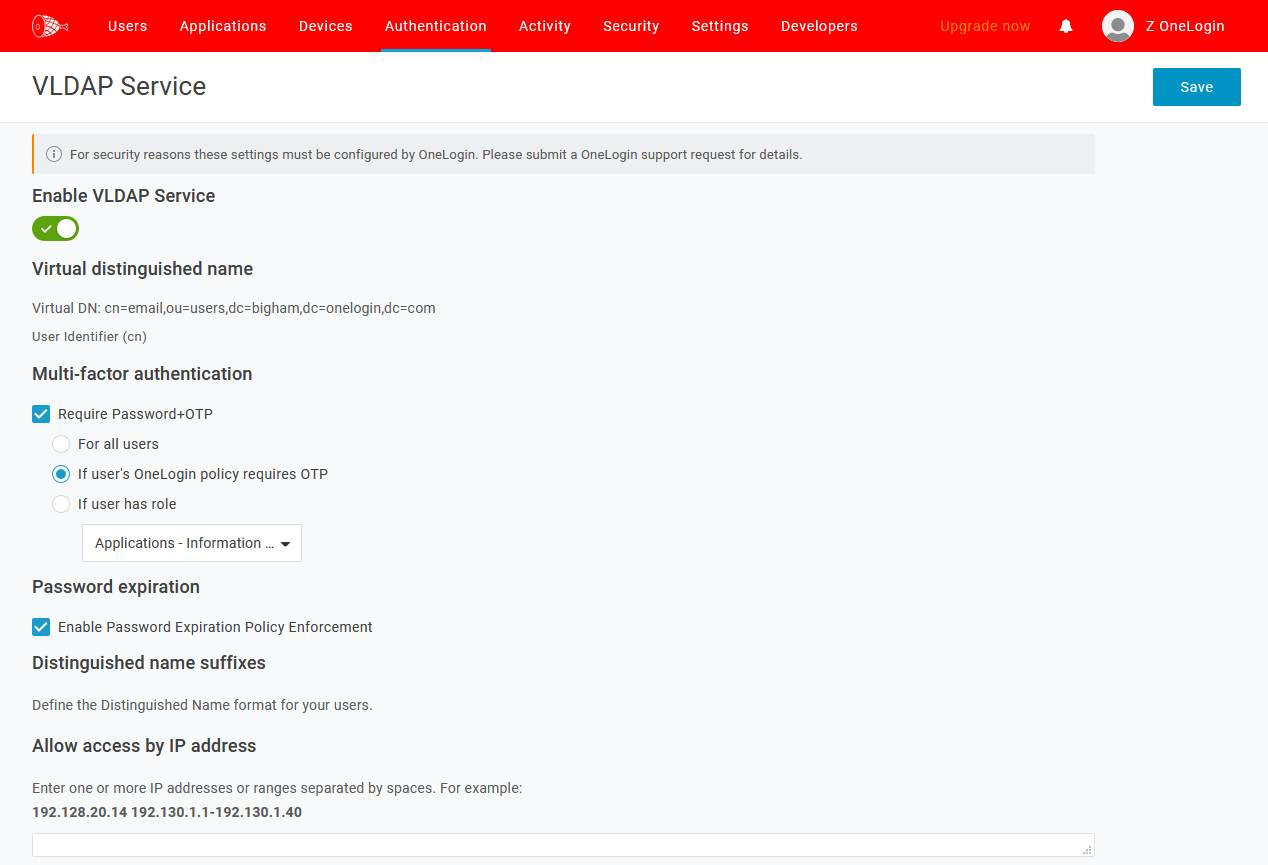
Log in to OneLogin as an admin and click Administration. Go to the Authentication tab, then click VLDAP. Select and toggle on Enable VLDAP Service.
Log in to F5 BIG-IP as an admin and go to Wizards, then Device Wizards. Select Network Access Setup Wizard for Remote Access and click Next.

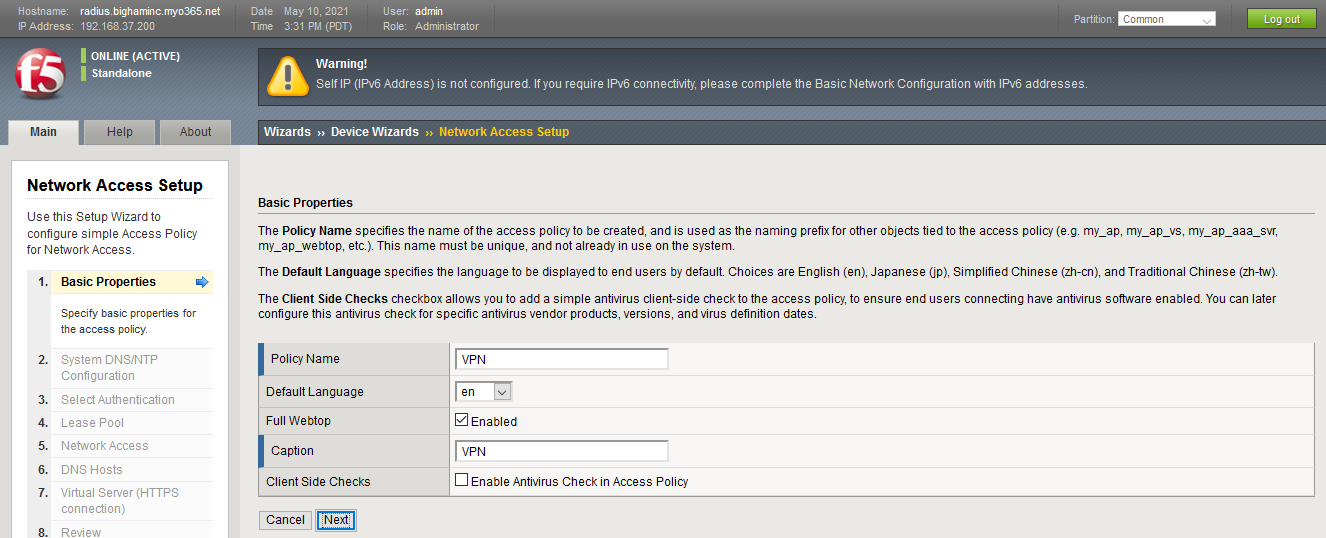
Progress through the Network Access Setup wizard, configuring each page as follows:
Basic Properties
|
Policy Name |
a unique name, e.g. |
|---|---|
|
Default Language |
customer preference |
|
Full Webtop |
customer preference |
|
Caption |
customer preference |
|
Client Side Checks |
customer preference |
System DNS/NTP Configuration
Add at least one NTP server to the Time Server List.

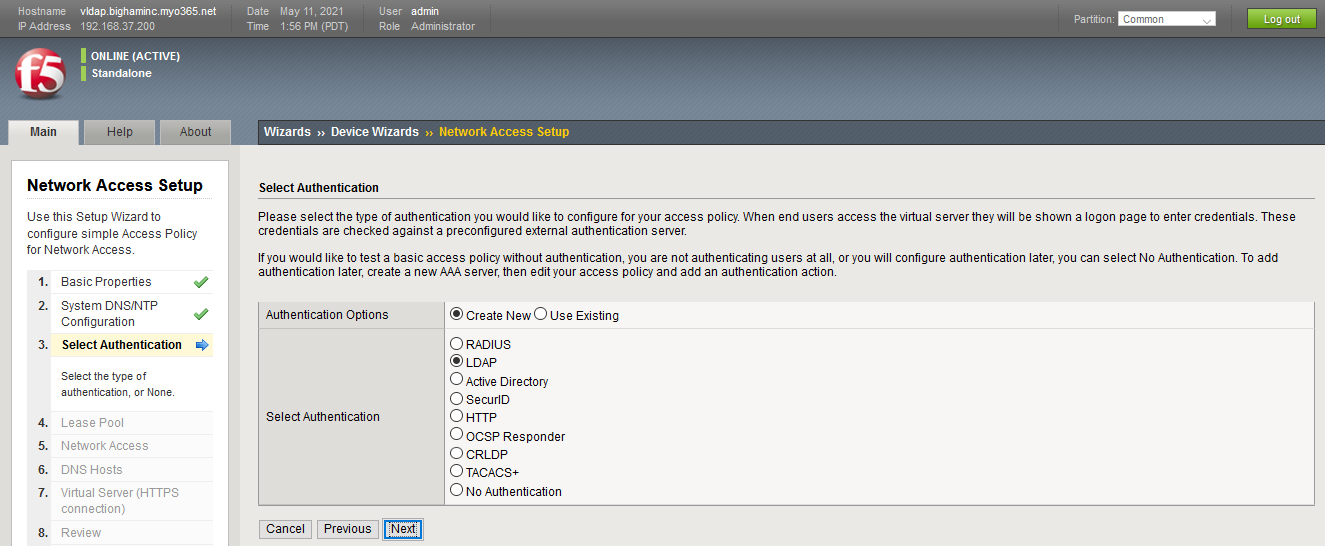
Select Authentication
|
Authentication Options |
Create New |
|---|---|
|
Select Authentication |
LDAP |
Configure AAA Server
|
Server Connection |
Use Pool |
|---|---|
|
Server Addresses |
|
|
Server Pool Monitor |
none or a stateless protocol monitor such as udp |
|
Mode |
LDAPS |
|
Service Port |
|
|
Base Search DN |
|
|
Admin DN |
default |
|
Admin Password |
your OneLogin VLDAP user password |
|
Verify Admin Password |
re-enter your password |
|
Cache Lifetime |
default, or customer preference |
|
SSL Profile (Server) |
default |
|
Authentication Options |
User DN |
|
User DN |
|
|
LDAP Schema Attributes |
default attributes |

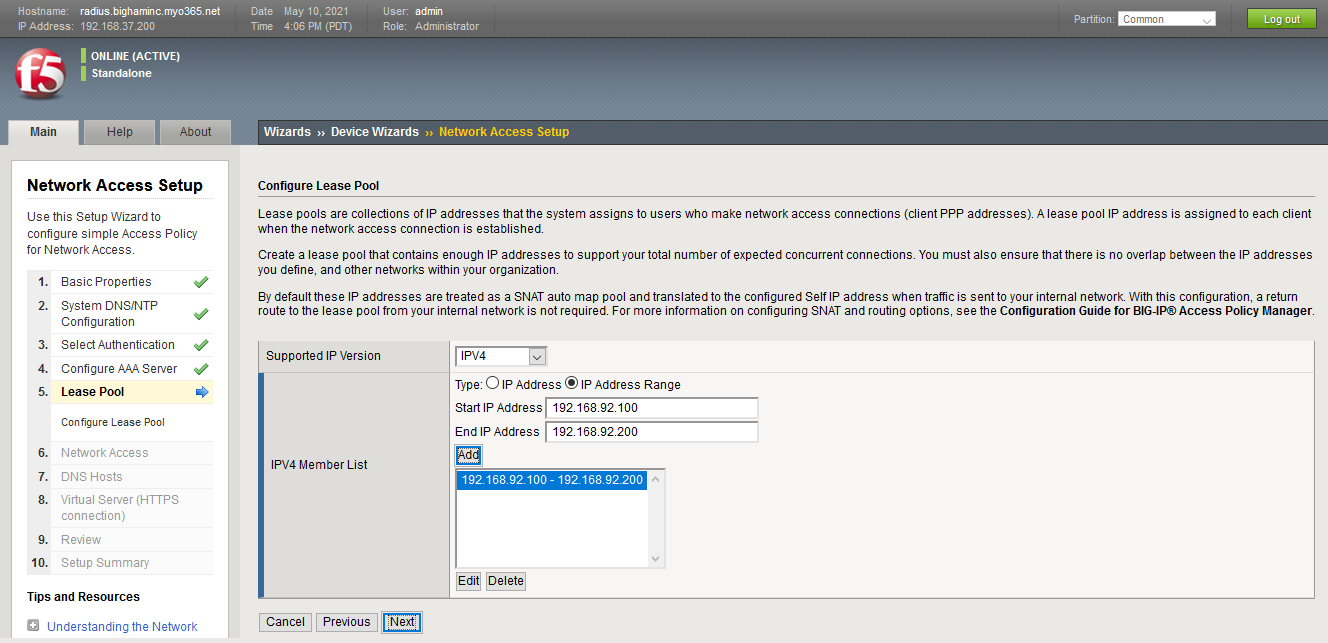
Lease Pool
Configure the SNAT or IP pool for your environment.
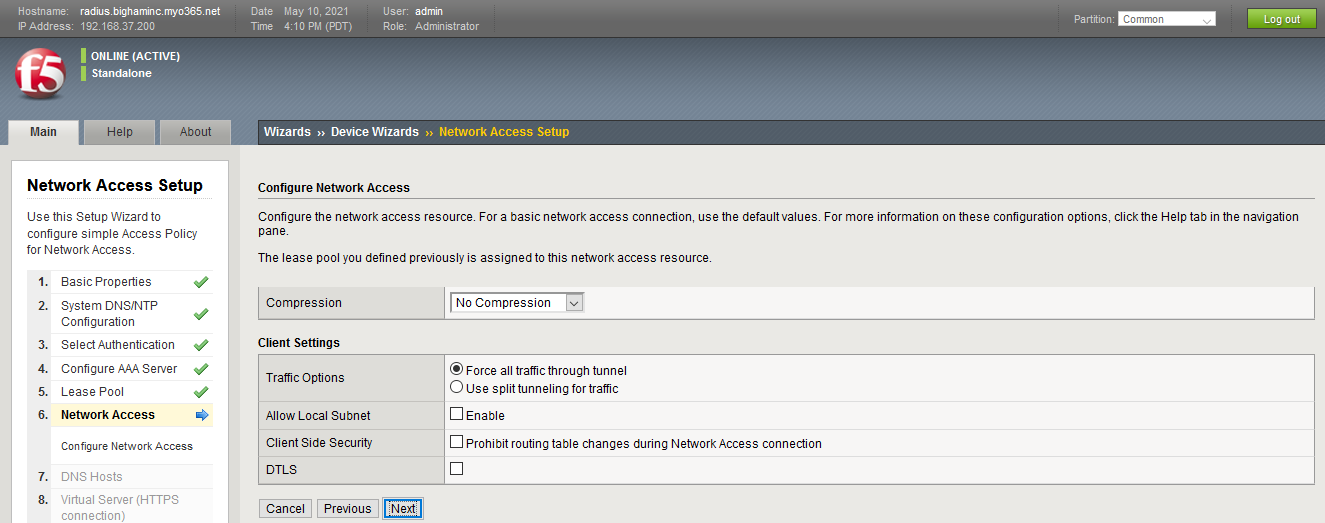
Network Access
Configure your network access settings as necessary.
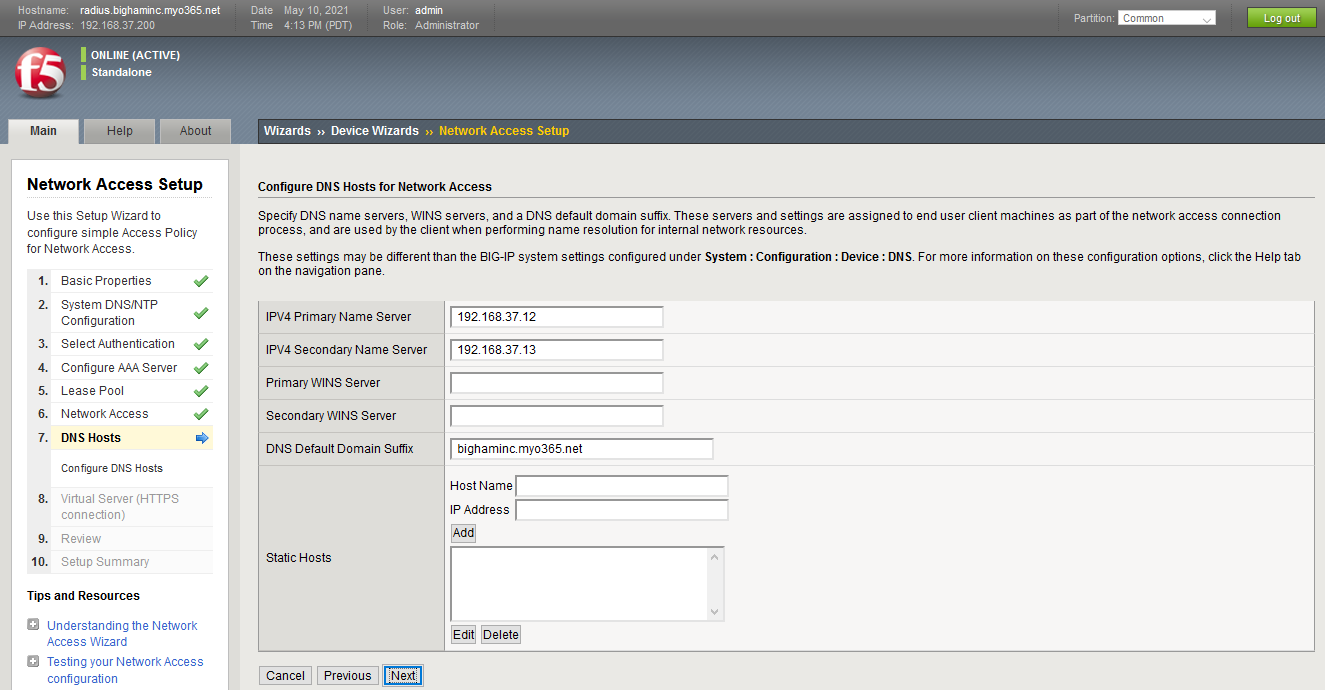
DNS Hosts
Configure your DNS settings as necessary.
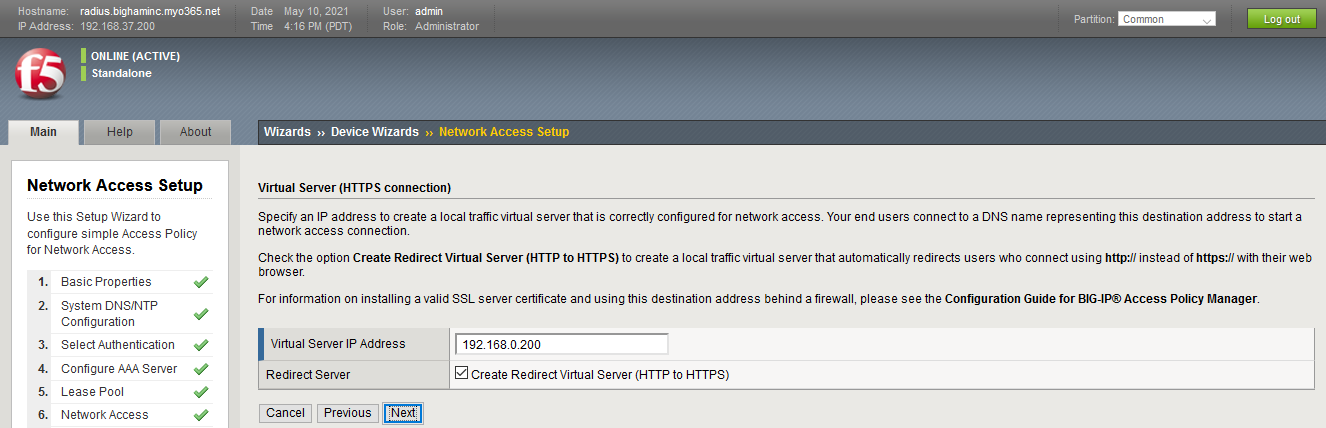
Virtual Server (HTTPS connection)
Configure the Virtual Server settings for your environment.
Review and validate all the Network Access settings you've configured. When ready, click Next, then Finished to complete the wizard. Use the BIG-IP Edge Client to test your configuration.
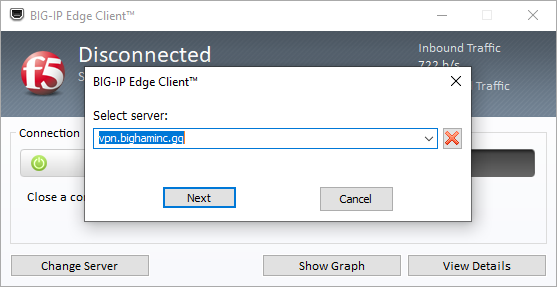
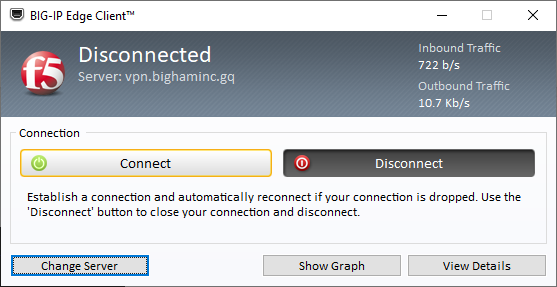
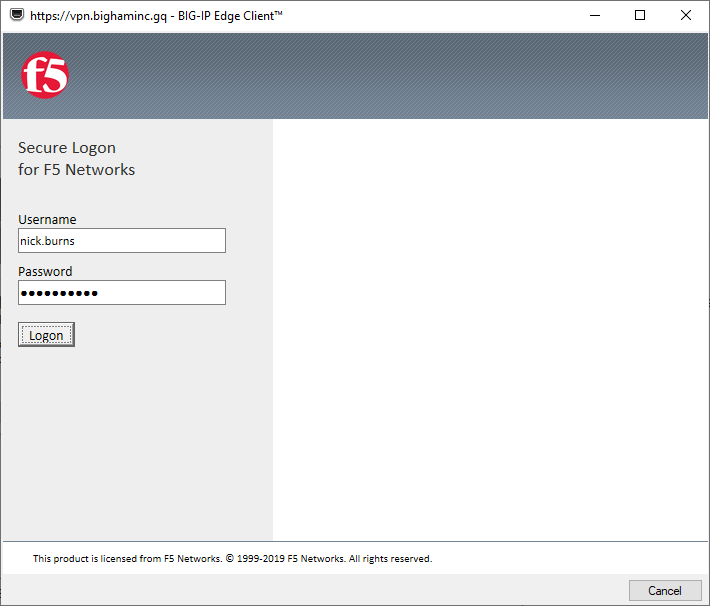
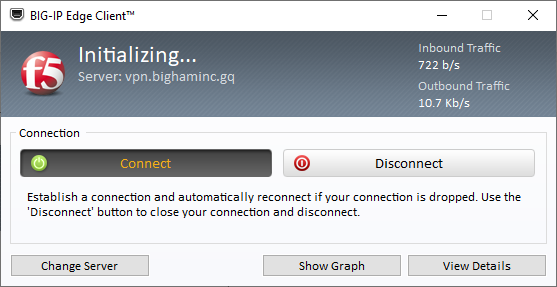
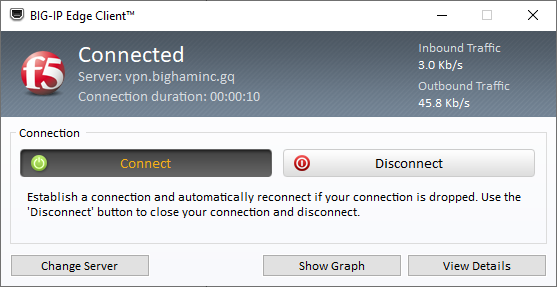
Finally, test your LDAP configuration with the BIG-IP Webtop to complete your setup.